In another place, we have documented how to create fee schedules, however, there is a separate step to attaching the fee schedule to a payer (insurance company).
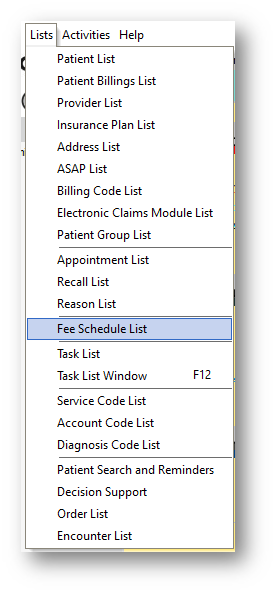
First, you will go to Lists>Fee Schedule List:
You will then see your list of Fee Schedules:
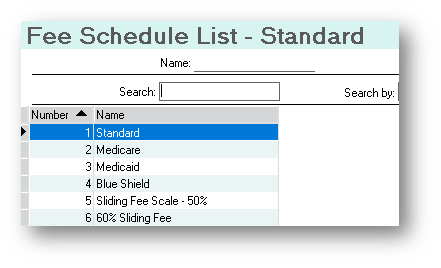
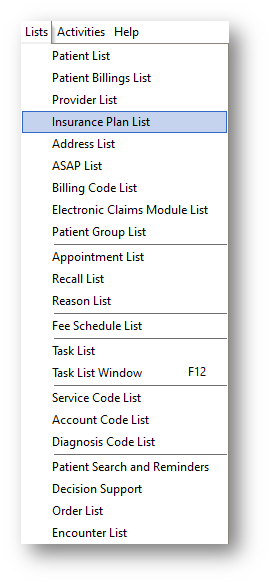
You will want to add or alter the correct Fee Schedule and then to Lists>Insurance Plan List:
Once you are in the Insurance Plan List screen, you will choose the insurance plan that you want to attach a Fee Schedule to:
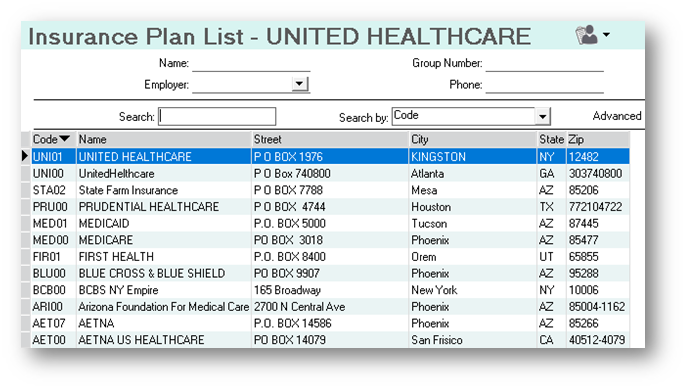
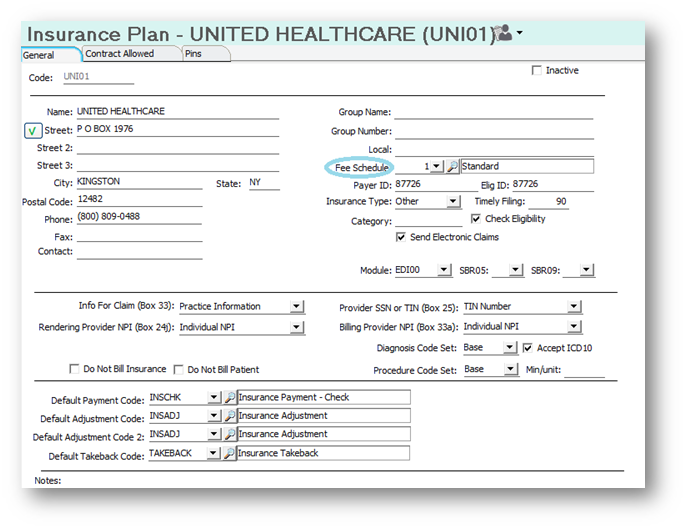
Once you see the Insurance Plan information, you will look for the Fee Schedule in the right-hand column:
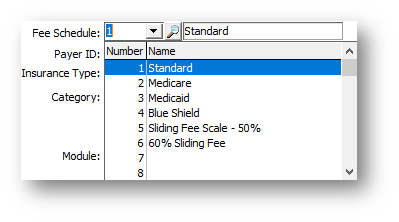
You will then do the drop down to see the choices that you have already created:
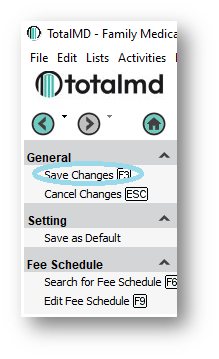
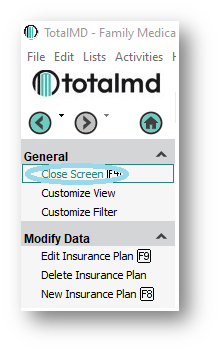
After you choose the Fee Schedule you wish to attach to this Insurance Plan, you will Save Changes>Close Screen to the left:
departments at 800-613-7597 Option 2 for Support or Option 3 for Training. If you would like a printable copy of this article, please contact Training at Option 3.