In TotalMD you can track prior authorizations.
The first method is to put the information in the patient screen. This is not recommended as you would have to change it each time you received a new authorization and you would lose the information regarding the previous authorization(s). This can be done by going to the patient screen:
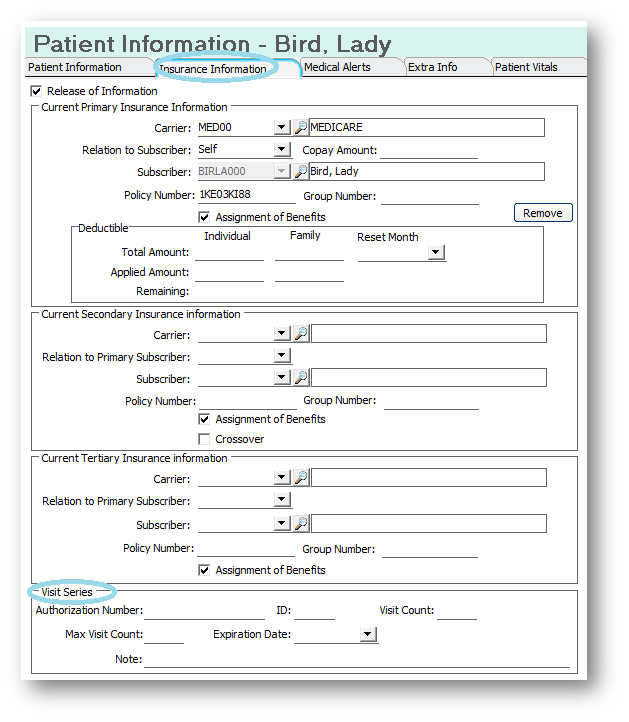
You will notice at the bottom of the Insurance Information screen there is the space to enter a single authorization.
It is recommended to put this information into separate billings to enable you to retain the different authorizations in case you do have more than one for a patient. By going to the patient ledger and then choosing a current billing:
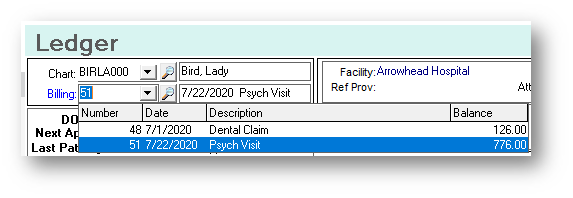
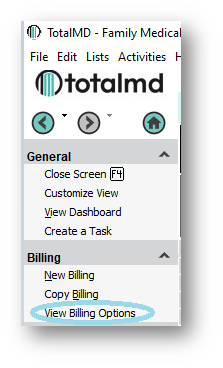
Or View Billing Options:
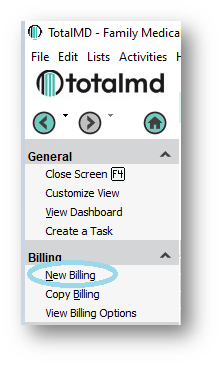
Or creating a new billing:
You will open the billing by clicking on the date next to the Billing Number to see the Billing screen:
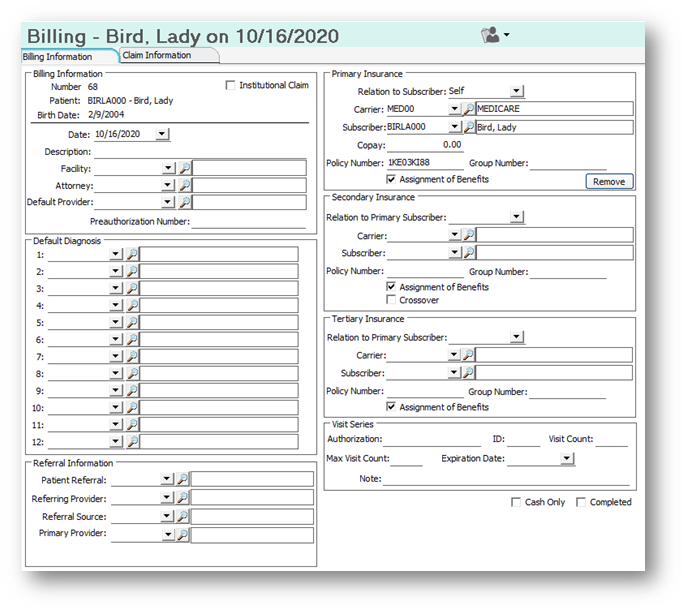
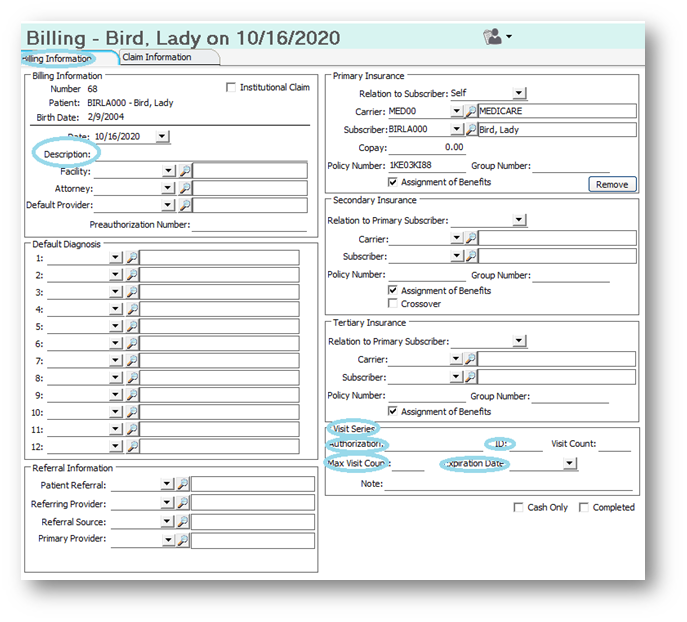
Under description, you may want to actually enter the Authorization or a description of the Authorization to make it easy to find in your billing list. In the Visit series at the bottom right, the Authorization Number, an ID if applicable and the Max Visit Count need to be entered. The Visit Count is how the system keeps track of the number of times the patient is seen under this Authorization. If you have an expiration date, you will want to enter that as well.
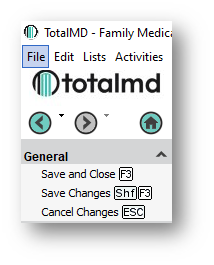
Once you have entered that information, you will Save and Close to the Upper Left:
When you reach the third to the last and other future dates of service, you will receive a warning that the authorization is almost completed:
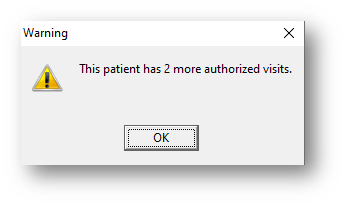
The system will allow you to create charges after your authorization is completed, however, it will warn you each time you do so.
If you have questions regarding this functionality of TotalMD, please contact our support or training departments at 800-613-7597 Option 2 for Support or Option 3 for Training. If you would like a printable copy of this article, please contact Training at Option 3.