Creating statements in Total MD is simple, yet must be done precisely. To create an original statement, go to the patient ledger:
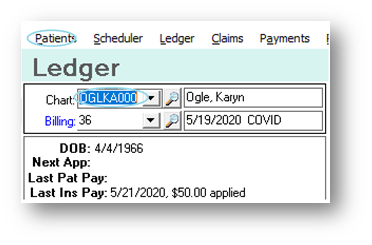
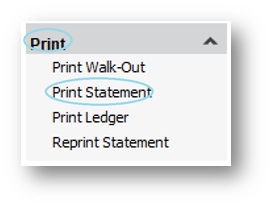
Go to the bottom left and choose Print Statement under the Print option:
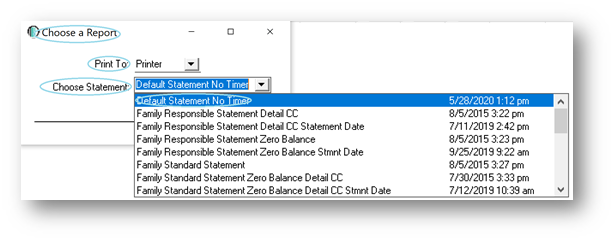
You will then have the option to Print To and to Choose Statement:
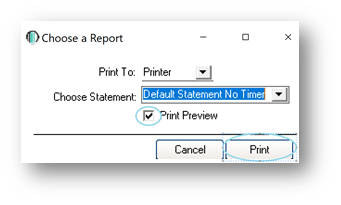
Once you choose your Statement, you will see the option to Print Preview, it is suggested to do this. You will then select Print:
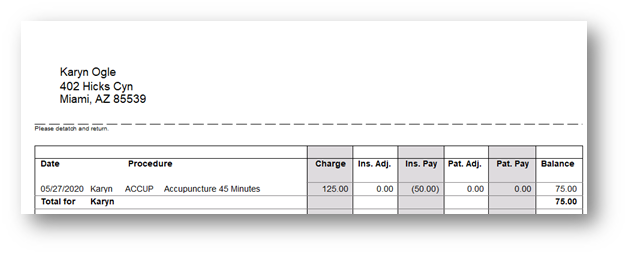
You will then see the Patient Statement:
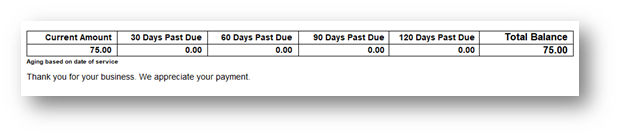
At the bottom you will see an aging:
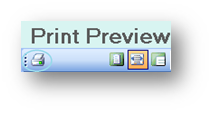
This can be printed in the upper left-hand corner of the screen:
You can then choose your printer:
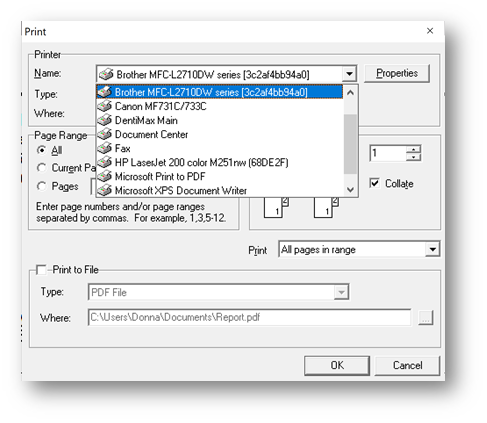
You can also choose to Print to File by clicking the checkbox in the lower part of the popup box:
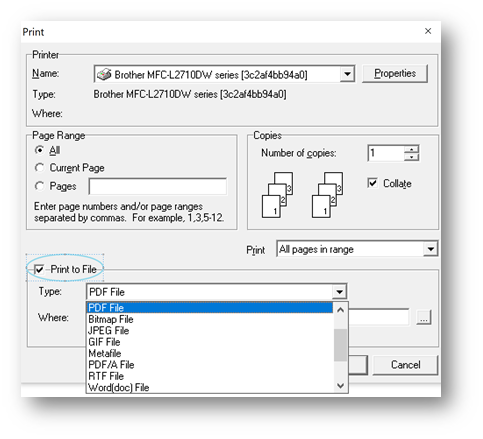
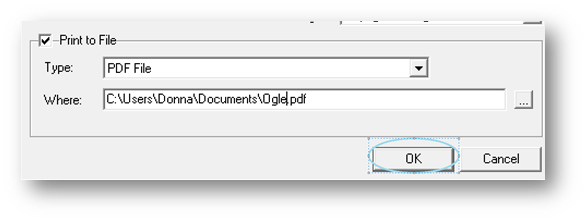
There is then a dropdown menu of file types. Below that you will name your file and click OK:
Next, in order for your statement activity to show on the ledger, you will see a Confirm popup:
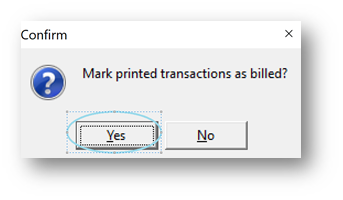
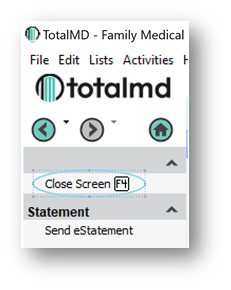
You will choose “Yes” so that you will see a line in the ledger showing the billing activity. You will then Close Screen to the left or type F4:
You will then see the Statement Billed to Patient line in the ledger:
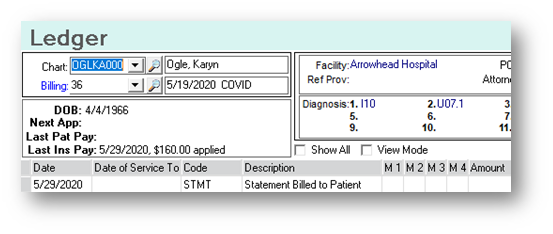
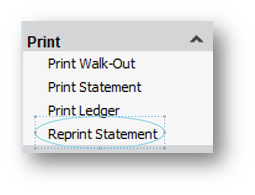
To Reprint a Statement, as most Statements are set with a 30-day timer, which only allows a statement to be billed once every thirty days, you will go to Reprint Statement under the Print selection:
To print statements from the reports tab, you will first find the statement you wish to run:
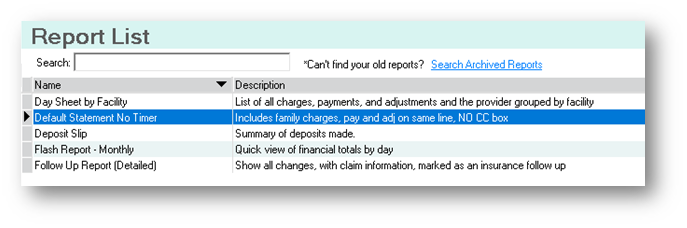
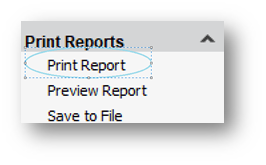
You can then double-click on the report or click Print Report on the left-hand side of the screen:
You can then choose the range of statements you wish to print, if you want to print them all, leave this blank:
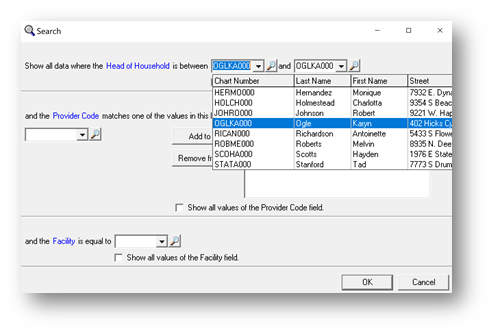
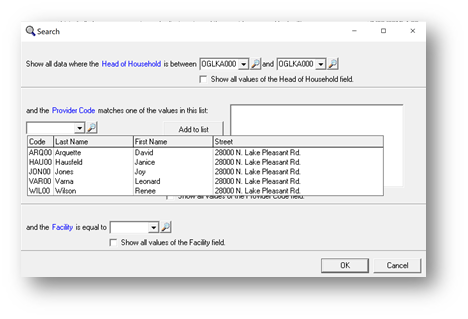
You can then choose the Provider for which you wish to run the statements. If you want to run all providers, leave this blank:
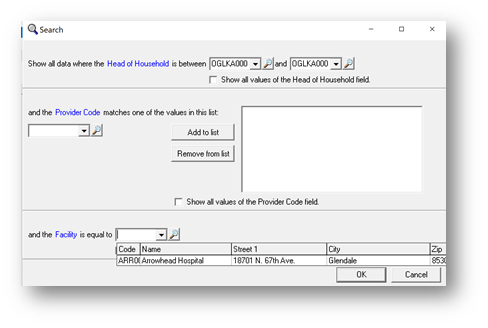
You can then choose the facility for which you want to run statements. Again, for all facilities, leave this blank:
Rather than leaving your choices blank, you can click the check boxes for all of the selections, as well:
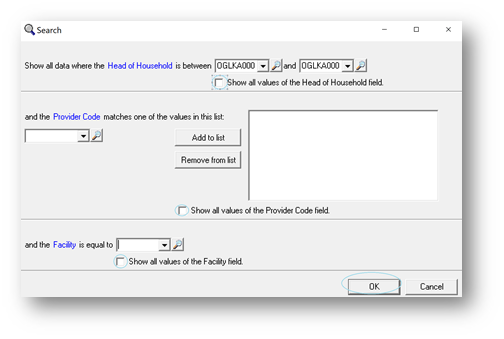
You will then click to get your statement(s). You will then see the same screens as above to make your choice of how to print the statements.
If you have questions regarding this functionality of TotalMD, please contact our support or training departments at 800-613-7597 Option 2 for Support or Option 3 for Training. If you would like a printable copy of this article, please contact Training at Option 3.