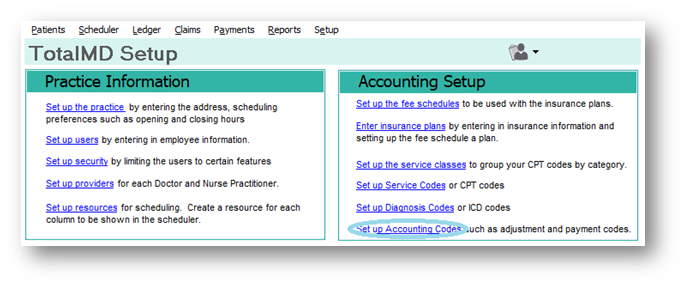
In TotalMD you can add several different types of notes that will appear in the program. Below are the instructions and here is a link to a YouTube video with instructions. To start you will go to the Setup screen and choose Set Up Accounting Codes under Accounting Setup:
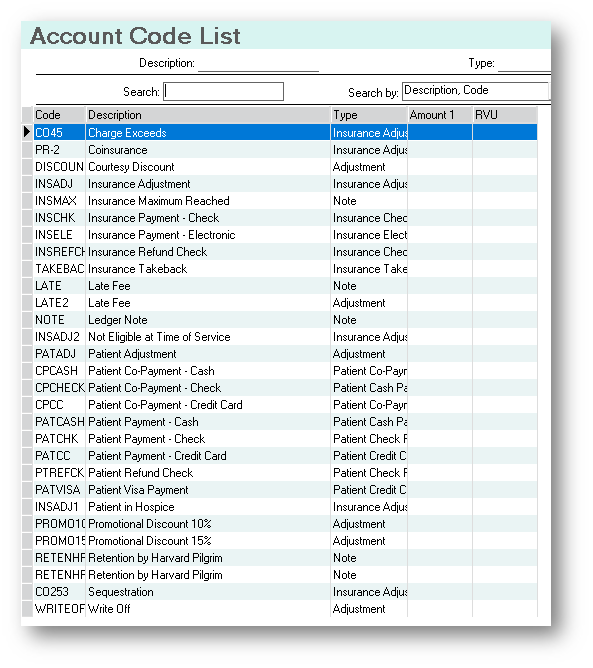
You will then see the Accounting Code List:
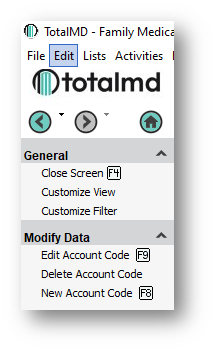
To the left you have choices to Edit, Delete or Add a New Code:
Once you select New Account Code, you will see the Service Entry Screen:
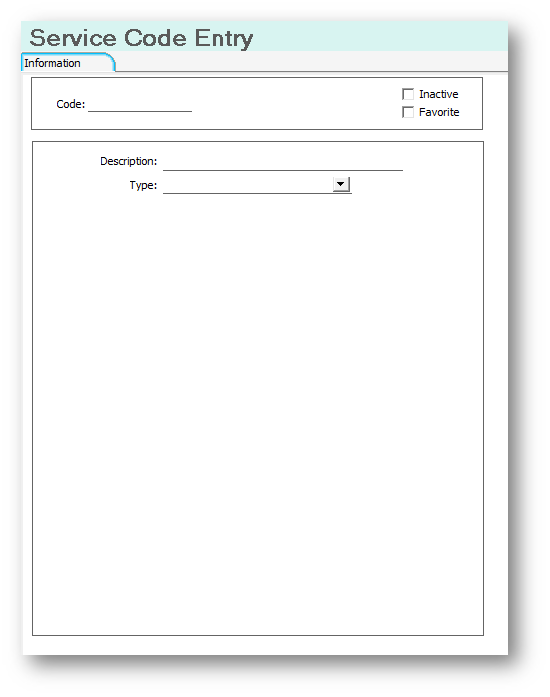
You will then enter a Code for your Account Code, as well as a description and choose the type of code you wish it to be:
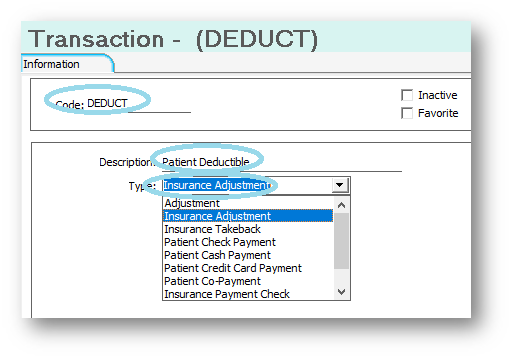
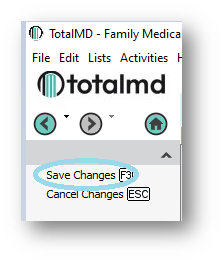
As you can see, these Account Codes are used in various places in the program. Once you have made your changes, you will Save Changes to the left.
If you have questions regarding this functionality of TotalMD, please contact our support or training departments at 800-613-7597 Option 2 for Support or Option 3 for Training. If you would like a printable copy of this article, please contact Training at Option 3.